Section 1: SaaS Backup Fundamentals
Q: What is SaaS backup?
A: SaaS backup is the process of automatically copying and storing data from Software-as-a-Service (SaaS) applications — like Microsoft 365, HubSpot, Salesforce, or Jira — to an independent, secure location outside the SaaS vendor's infrastructure. Unlike traditional backups of files stored on-premise, SaaS backup works by connecting to each application's API to extract user data and protect it against deletion, corruption, ransomware, or accidental change. Because SaaS vendors are not responsible for recovering your organization's data, a dedicated SaaS backup solution ensures you always have an independent copy you control.
Q: Why do SaaS applications need to be backed up separately?
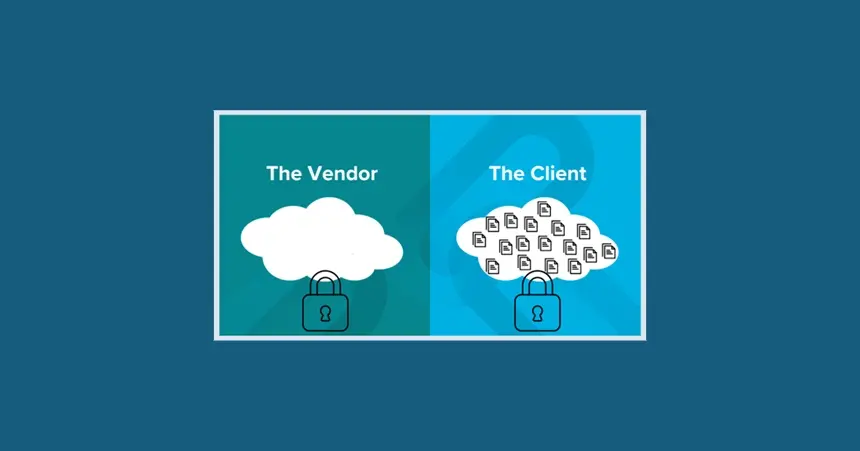
A: SaaS applications need to be backed up separately because the applications' vendors do not take full responsibility for your data. Under the Shared Responsibility Model — the standard framework governing SaaS data ownership — your SaaS provider is responsible for keeping their platform running, but you are responsible for protecting and recovering your own data. If a user accidentally deletes a record, an automation corrupts a dataset, or ransomware encrypts your SaaS environment, your vendor cannot reliably restore it. A dedicated third-party SaaS backup solution fills that gap.
Q: What data is at risk inside SaaS applications?
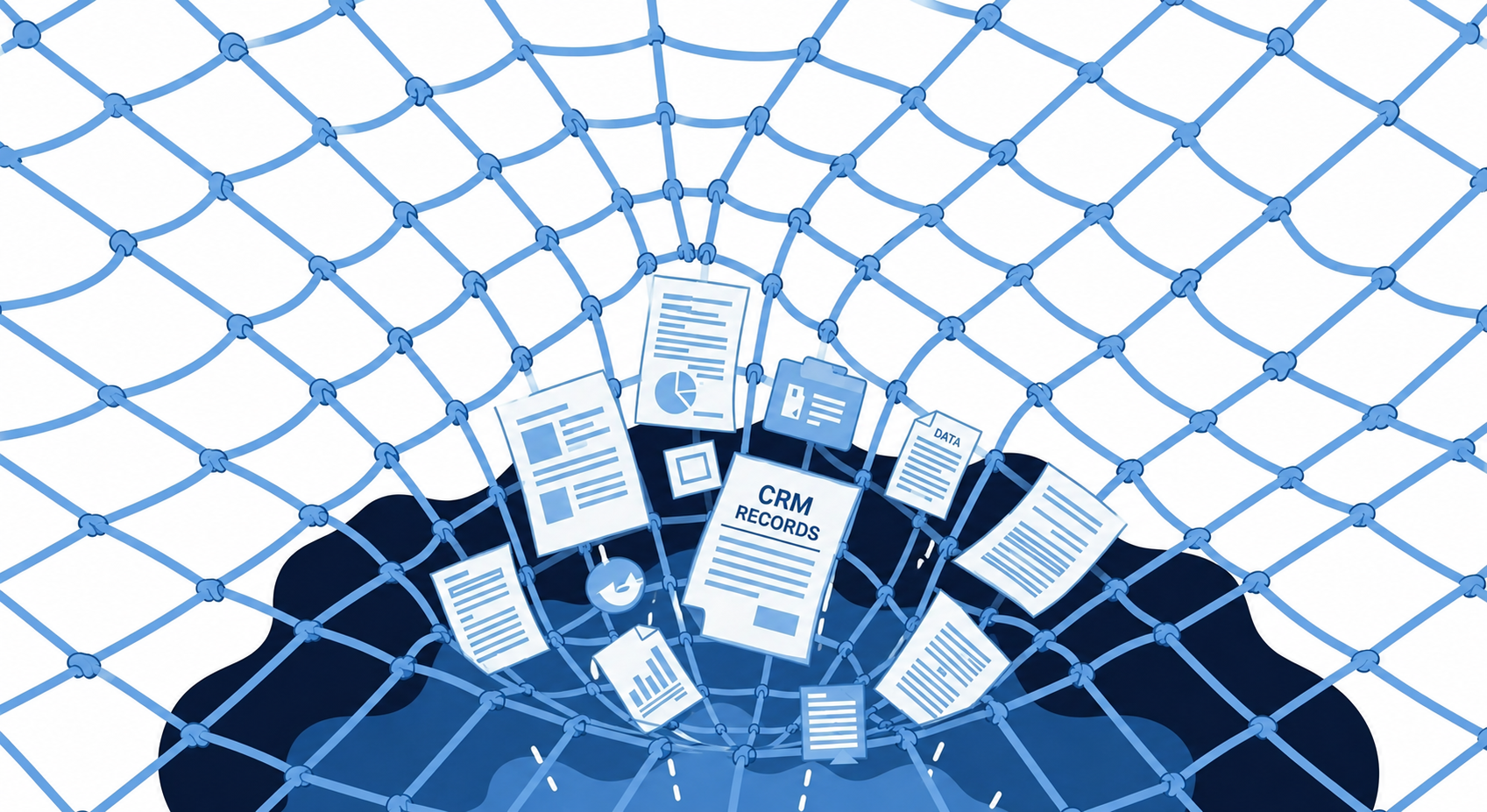
A: Any data stored in a SaaS application is at risk — including contacts, deals, emails, project tasks, invoices, HR records, and marketing campaign data. The most common causes of SaaS data loss are human error (accounting for nearly one-third of all incidents), malicious deletion, ransomware attacks, misconfigured automations, and faulty third-party integrations. Even a single deleted CRM pipeline or corrupted contact list can have significant financial and operational consequences, which is why every SaaS application containing business-critical data should be protected by an independent backup. See how CRM data loss happens in practice — and what it costs when there's no backup in place.
Q: Do SaaS providers like Microsoft, Google, or HubSpot back up my data for me?
A: No, not in the way most organizations assume. Major SaaS providers like Microsoft 365, Google Workspace, and HubSpot maintain infrastructure-level redundancy to keep their platforms available, but they do not provide granular, user-level backup and recovery for your organization's data. Their native retention tools have strict time limits, limited scope, and no guarantee of full restoration after user-caused data loss. If data is deleted or corrupted at the account or user level, your SaaS vendor will typically advise you to restore it from your own backup — which is why having one is essential.
Q: What is SaaS backup software?
A: SaaS backup software is a dedicated tool that automatically connects to your SaaS applications via API, extracts your organization's data on a scheduled basis, encrypts and stores it securely in an independent location, and makes it fully restorable with granular, point-in-time recovery options. Unlike manual exports (which are unscheduled, unencrypted, and difficult to restore from), SaaS backup software automates the entire protection lifecycle — backup, storage, monitoring, and recovery — through a single management console. For a deeper dive into how SaaS backup works and why it matters, see our definitive guide to SaaS backup.
Q: Which SaaS applications should be backed up?
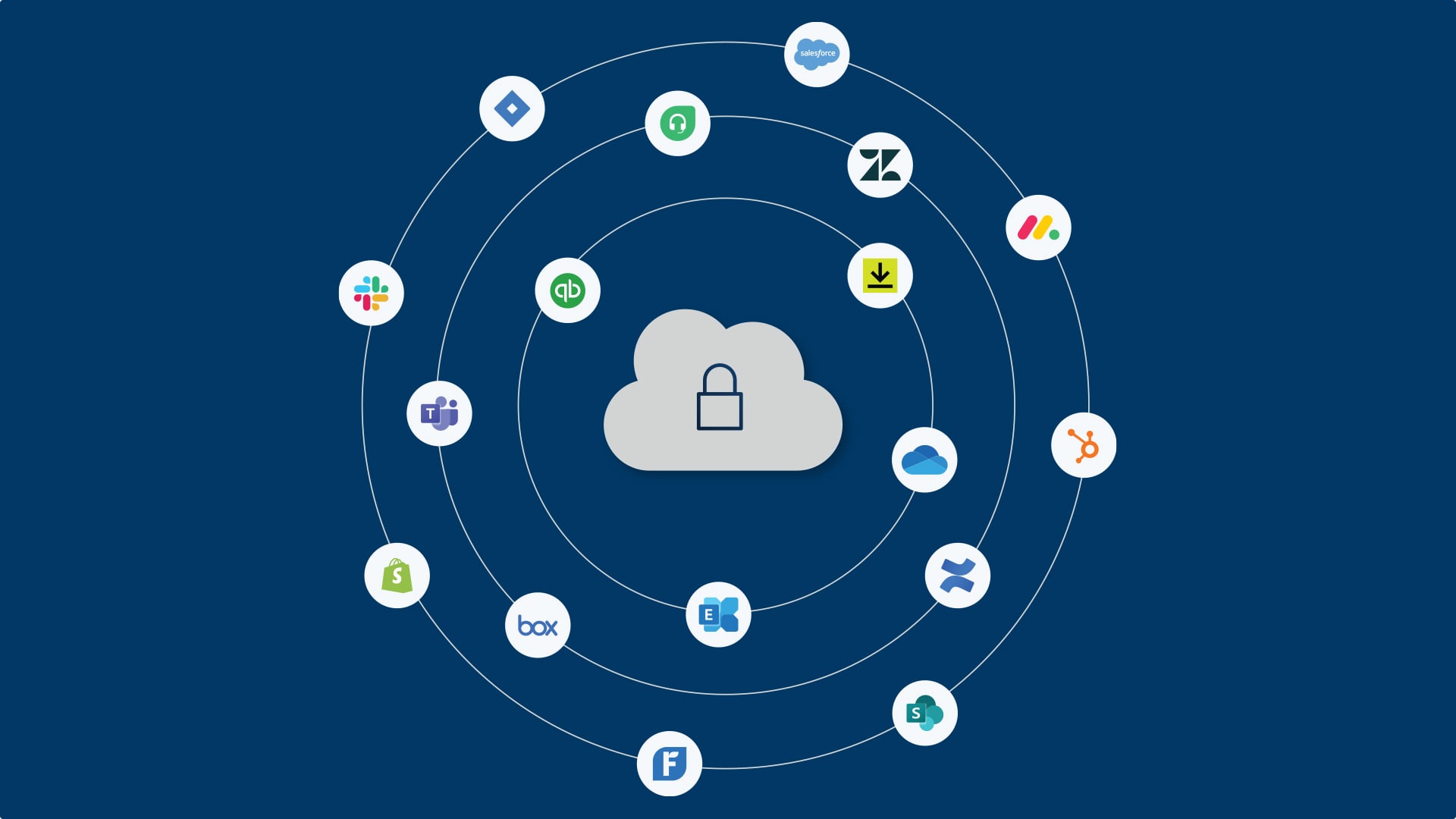
A: Any SaaS application that contains data critical to your business operations should be backed up. This includes — but is not limited to — Microsoft 365 (Exchange, SharePoint, Teams, OneDrive), Google Workspace, Salesforce, HubSpot, Jira, Confluence, QuickBooks, Zendesk, and Slack. A useful rule of thumb: if losing data from a SaaS application would disrupt operations, trigger a compliance issue, or cost your business money to recreate, it needs an independent backup. The average organization uses over 100 SaaS applications, yet most backup strategies only cover the "Big Three" (Microsoft, Google, Salesforce) — leaving significant data exposure across the rest. See SaaSAssure's full connector catalog to explore protection beyond the Big Three.
Section 2: Backup as a Service (BaaS)
Q: What is Backup as a Service (BaaS)?
A: Backup as a Service (BaaS) is a cloud-delivered model in which a third-party provider manages the entire backup process — infrastructure, storage, scheduling, monitoring, and recovery — on behalf of an organization. Instead of building and maintaining backup infrastructure in-house, businesses subscribe to BaaS and receive automated, enterprise-grade data protection delivered as a managed service. For SaaS environments specifically, BaaS eliminates the manual effort of exporting and managing data yourself, replacing it with automated, encrypted, independently stored backups managed through a single platform.
Q: How does Backup as a Service work?
A: Backup as a Service works by connecting to your SaaS applications through secure API integrations, automatically pulling your data at scheduled intervals (typically daily or more frequently), encrypting it in transit and at rest, and storing it in a secure, independent cloud environment. When data needs to be recovered — whether a single deleted record or a full account restore — administrators use the BaaS platform's console to select the recovery point and restore it directly to the original application. The entire process is automated, auditable, and requires no manual exports or complex scripting.
Q: Why is Backup as a Service important?
A: Backup as a Service is important because it removes the operational burden of SaaS data protection from internal IT teams while delivering a higher level of reliability and security than manual methods can achieve. BaaS ensures backups run automatically on schedule (even at off-hours), data is encrypted, recovery is fast and granular, and compliance requirements for data retention are met without manual effort. For Managed Service Providers (MSPs), BaaS also provides the multitenant management, role-based access, and billing tools needed to deliver SaaS backup as a scalable, revenue-generating service to clients.
Q: What is the difference between cloud backup and Backup as a Service?
A: Cloud backup refers to storing backup data in a cloud environment, while Backup as a Service (BaaS) is a fully managed service that includes not just storage, but also the tooling, automation, monitoring, support, and recovery capabilities delivered by a third-party provider. In short: cloud backup is where data is stored; BaaS is how the entire backup lifecycle is delivered and managed. SaaS-specific BaaS solutions go further by building direct API integrations into each SaaS application, enabling granular recovery that generic cloud backup tools cannot provide.
Section 3: The Shared Responsibility Model
Q: What is the Shared Responsibility Model in SaaS?
A: The Shared Responsibility Model in SaaS is a framework that defines which data protection obligations belong to the SaaS vendor and which belong to the customer. Under this model, SaaS vendors are responsible for the availability and security of their platform — the infrastructure, network, and application uptime. The customer is responsible for protecting their own data within that platform. This means that if your organization's data is accidentally deleted, corrupted by a bad integration, or encrypted by ransomware, your SaaS provider is not obligated to recover it. That responsibility sits entirely with you. For a breakdown of what this means in practice, read our full guide on the Shared Responsibility Model.
Q: Do SaaS vendors take responsibility for data loss?
A: No. Under the Shared Responsibility Model, SaaS vendors explicitly disclaim responsibility for customer-level data loss in their terms and conditions. Vendors protect their shared infrastructure and may offer limited data retention tools (with time-limited windows), but they do not guarantee the recovery of individual user data lost due to human error, accidental deletion, malicious action, or misconfigured automation. The burden of data protection and recovery sits with the organization that owns the data — not the platform that hosts it.
Q: What is data sovereignty in SaaS?
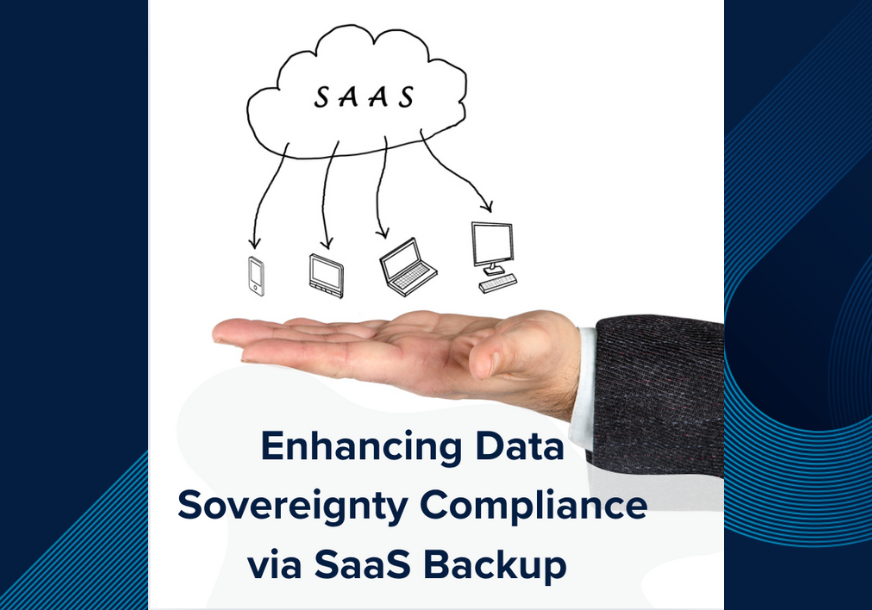
A: Data sovereignty in SaaS refers to an organization's right and ability to control where their SaaS data is stored, who can access it, and under what legal jurisdiction it falls. When SaaS data is backed up to a third-party provider, organizations can choose their storage region and maintain independent access to their data — regardless of the SaaS vendor's infrastructure decisions. This is particularly important for organizations in regulated industries or regions with strict data residency requirements (such as GDPR in Europe or data localization laws in specific jurisdictions). A SaaS backup solution with flexible storage options directly supports data sovereignty.
Section 4: SaaS Data Recovery
Q: What is SaaS data recovery?
A: SaaS data recovery is the process of restoring lost, deleted, or corrupted data from a SaaS application back to its original state using an independent backup. Unlike traditional data recovery from on-premise systems, SaaS data recovery must account for the complex, relational structure of SaaS data — where records, relationships, metadata, and activity histories are interconnected. A purpose-built SaaS backup solution enables point-in-time recovery, meaning administrators can restore data to a specific date and time, whether recovering a single deleted contact or an entire user's data set.
Q: What are RTO and RPO, and why do they matter for SaaS backup?
A: RTO (Recovery Time Objective) is the maximum acceptable time for restoring SaaS data after a loss event. RPO (Recovery Point Objective) is the maximum acceptable amount of data loss measured in time — in other words, how far back your last clean backup goes. In a SaaS context, a long RPO (e.g., weekly exports) means you could lose days of CRM activity, pipeline changes, or marketing data. A long RTO means your team works without critical SaaS data while recovery runs. Modern SaaS backup solutions are designed to minimize both — with daily or more frequent backups (reducing RPO) and fast, granular restores (reducing RTO) — ensuring business continuity even after a significant data loss event.
Q: How quickly can SaaS data be recovered with SaaSAssure?
A: SaaSAssure is built with a recovery-first architecture, meaning fast, granular restoration is the core product — not an afterthought. Administrators can initiate point-in-time restores directly from the management console, selecting exactly which data objects, users, or time points to recover without having to restore an entire dataset. This significantly reduces Recovery Time Objectives (RTO) compared to manual export/import methods, which can take hours or days and are prone to data corruption during the import process.
Q: What is point-in-time recovery for SaaS data?
A: Point-in-time recovery for SaaS data is the ability to restore your application data to the exact state it was in at a specific date and time — before a deletion, corruption, or attack occurred. This is the gold standard for SaaS data recovery because it lets administrators choose the precise recovery point that minimizes data loss, rather than restoring from the most recent backup (which may itself contain errors). Not all SaaS backup tools offer true point-in-time recovery — it requires granular, frequent backups and a restore engine designed specifically for the relational data structures of SaaS applications.
Section 5: SaaS Backup and Recovery Strategy
Q: What is a SaaS backup strategy?
A: A SaaS backup strategy is a structured plan that defines which SaaS applications are backed up, how frequently, where the backup data is stored, who is responsible for managing backups, and what the recovery process looks like in the event of data loss. An effective SaaS backup strategy should cover your full application portfolio (not just Microsoft and Google), define clear RTOs and RPOs for each application, ensure encryption and immutability of backup data, and be testable — meaning your team regularly validates that restores actually work before a real incident occurs.
Q: What should I look for in a SaaS backup solution?
A: When evaluating a SaaS backup solution, look for: automated daily (or more frequent) backups with flexible scheduling; on-demand backup capability; true point-in-time restore at the object level; broad application support beyond the "Big Three"; a single unified management console; enterprise-grade security including AES 256-bit encryption, multifactor authentication, and multiperson approval controls; flexible storage options for data sovereignty; multitenant support for MSPs; and transparent, predictable pricing with no hidden recovery fees. The solution should be fast to deploy — setup and onboarding of a new SaaS application should take under ten minutes. For a deeper decision framework tailored to mid-market organizations, see our professional SaaS backup guide.
Q: What is the difference between SaaS backup and SaaS data management?
A: SaaS backup focuses specifically on protecting and recovering data — creating independent copies that can be restored after loss events. SaaS data management is a broader discipline that encompasses backup and recovery, but also includes data governance, visibility across your SaaS portfolio, compliance controls, data access policies, and lifecycle management. SaaSAssure addresses both: its backup and recovery engine protects your data, while its data management capabilities give organizations visibility, control, and governance across all of their connected SaaS applications.
Section 6: Compliance & Security
Q: How does SaaS backup support compliance requirements?
A: SaaS backup directly supports compliance with regulations such as GDPR, HIPAA, SOC 2, and ISO 27001 by ensuring that SaaS data is retained for defined periods, is recoverable on demand, and is stored with appropriate security controls. Many compliance frameworks require organizations to demonstrate that they can recover critical data within a defined timeframe — something that SaaS vendors' native tools cannot guarantee at the user-data level. Independent SaaS backup also creates auditable records of data protection activity, which is essential for compliance reporting and cyber insurance requirements.
Q: Is SaaS backup data encrypted?
A: Yes, purpose-built SaaS backup solutions encrypt data both in transit and at rest. SaaSAssure uses AES 256-bit encryption in both states, ensuring that backup data cannot be intercepted during transfer or accessed by unauthorized parties while stored. SaaSAssure also provides multifactor authentication (MFA) for platform access and an industry-first multiperson approval (MPA) feature — requiring multiple administrators to authorize any destructive action (such as deleting backup data), protecting against compromised credentials and insider threats.
Q: Can ransomware affect SaaS backup data?
A: Ransomware can target SaaS environments and, in some cases, SaaS backup data if backups are not properly secured. Attackers with administrative access to a SaaS application can export and delete data, then demand a ransom for its return. This is why SaaS backup data must be stored independently — outside the SaaS vendor's environment — and protected with immutability controls that prevent backup data from being altered or deleted even if admin credentials are compromised. SaaSAssure's MultiPerson Approval (MPA) feature specifically addresses this vector by requiring multiple admins to authorize any action that could destroy backup data.
Q: What is the shared responsibility model for ransomware in SaaS?
A: In the context of ransomware, the SaaS Shared Responsibility Model means that while your SaaS vendor protects their platform from ransomware at the infrastructure level, they cannot prevent a ransomware actor from gaining admin-level access to your account and deleting your data from within. The customer is responsible for protecting their data against this attack vector — which means maintaining an independent, SaaS backup that cannot be reached or destroyed by an attacker who has compromised your SaaS admin credentials.
Section 7: MSP-Specific Questions
Q: How does SaaS backup work for Managed Service Providers (MSPs)?
A: For Managed Service Providers, SaaS backup works through a multitenant platform that allows MSPs to manage backup policies, monitor backup health, and perform restores across all of their clients from a single management console. MSPs can set up discrete client environments (tenants), apply role-based access controls, and use built-in billing tools to track usage and generate client invoices. This makes SaaS backup a scalable, low-overhead service that MSPs can deliver to their entire client base without adding headcount. SaaSAssure is purpose-built for MSP delivery — with multitenancy, white-label capability, and predictable per-seat pricing that protects MSP margins.
Q: Why should MSPs offer SaaS backup to their clients?
A: MSPs should offer SaaS backup to their clients because SaaS data loss is one of the fastest-growing liability risks in managed services — and most clients incorrectly assume their SaaS vendor protects them. When a client loses CRM data, marketing records, or financial data from a SaaS application, they look to their MSP for resolution. Without an independent SaaS backup in place, the MSP has no recourse and bears the reputational and financial consequences. Offering SaaS backup as a managed service protects clients, protects the MSP's reputation, increases monthly recurring revenue (MRR), and differentiates the MSP's portfolio beyond commodity IT services.
Q: Can SaaS backup be offered as a recurring managed service?
A: Yes, SaaS backup is well-suited to a managed service delivery model. With a platform like SaaSAssure, MSPs can onboard clients quickly (under five minutes per SaaS application), automate ongoing backup operations with minimal hands-on management, and bill clients on a predictable per-seat or per-application basis. This creates a low-touch, high-margin recurring revenue stream. The multitenant dashboard makes it easy to monitor backup health and respond to alerts across all clients, enabling MSPs to scale their SaaS backup practice without proportional increases in operational overhead.
Section 8: SaaSAssure-Specific Questions
Q: What is SaaSAssure?
A: SaaSAssure is a cyber-resilient SaaS backup and recovery platform built to protect organizations' SaaS data across a wide and growing portfolio of applications — including Microsoft 365, Google Workspace, Salesforce, HubSpot, Jira, Confluence, QuickBooks, and more. Unlike broad-platform backup vendors that treat SaaS as an add-on, SaaSAssure is a SaaS-only specialist — built from the ground up to handle the unique data structures, API constraints, and recovery requirements of SaaS environments. SaaSAssure is developed by Asigra, a recognized leader in data protection with decades of enterprise backup expertise.
Q: What SaaS applications does SaaSAssure support?
A: SaaSAssure supports backup and recovery across a broad and growing catalog of SaaS applications spanning Microsoft 365 (including Exchange, SharePoint, Teams, and OneDrive), Google Workspace, Salesforce, HubSpot, Jira, Confluence, QuickBooks, Zendesk, and more — covering business functions including CRM, collaboration, DevOps, e-commerce, accounting, HR, ITSM, and file storage. A full list of supported connectors is available at saasassure.com/saas-backup-connectors.
Q: How is SaaSAssure different from Acronis or Veeam for SaaS backup?
A: SaaSAssure is a SaaS-only specialist, while Acronis and Veeam are broad data protection platforms that include SaaS backup as one component of a much wider product portfolio covering endpoints, virtual machines, and physical infrastructure. This distinction matters in practice: SaaSAssure's entire platform is purpose-built for the API-based, relational data structures of SaaS applications — meaning deeper connector support, more granular recovery options, and a management experience optimized for SaaS environments. For organizations and MSPs whose primary data protection need is SaaS, SaaSAssure delivers more focused capability without the complexity of an enterprise platform built for a different era of IT infrastructure.
Q: How quickly can SaaSAssure be set up?
A: SaaSAssure is designed for fast deployment — adding a new SaaS application to your backup schedule takes under ten minutes. The platform connects to each SaaS application via secure API integration, requires no agents or on-premise infrastructure, and provides an intuitive management console that backup administrators can use without extensive training. For MSPs onboarding multiple clients, SaaSAssure's multitenant architecture allows rapid provisioning of new client environments at scale.
Q: Does SaaSAssure support multitenant environments for MSPs?
A: Yes, SaaSAssure is purpose-built for multitenant MSP delivery. The platform allows MSPs to create discrete client environments, set role-based access controls, monitor backup health across all tenants from a unified dashboard, generate billing and usage reports per client, and scale operations across their entire client base without adding management complexity. This makes SaaSAssure one of the few SaaS backup platforms designed specifically to support MSPs, rather than adapting an SMB or enterprise product for the MSP channel.
Q: Where is SaaSAssure backup data stored?
A: SaaSAssure offers flexible storage options to support organizational and regulatory requirements. Backup data can be stored in SaaSAssure's managed cloud storage infrastructure, or organizations can configure their own preferred cloud storage destination — supporting data sovereignty requirements and ensuring that backup data remains within the geographic or jurisdictional boundaries required by compliance frameworks such as GDPR. All backup data is encrypted with AES 256-bit encryption in transit and at rest, regardless of the storage location selected.
Section 9: SaaS Backup by Industry
Q: Do healthcare organizations need dedicated SaaS backup?
A: Yes — healthcare organizations have some of the most stringent SaaS data protection requirements of any industry. Under HIPAA, covered entities and their business associates must ensure the availability, integrity, and confidentiality of all electronic Protected Health Information (ePHI), including data stored in SaaS applications like Microsoft 365, Salesforce Health Cloud, or practice management systems. HIPAA's Security Rule requires that organizations implement data backup and disaster recovery procedures as part of their technical safeguards — and SaaS vendors' native retention tools do not satisfy this requirement on their own. An independent SaaS backup solution ensures that ePHI can be recovered within defined timeframes, that audit logs are maintained, and that backup data is encrypted and access-controlled in compliance with HIPAA standards.
Q: How does SaaS backup apply to educational institutions?
A: Educational institutions — from K-12 school districts to universities — rely heavily on SaaS platforms for learning management, student records, communication, and administration. Applications like Google Workspace for Education, Microsoft 365 Education, and student information systems store data that may be subject to FERPA and other data protection obligations. SaaS vendors do not retain deleted student records, communications, or assignment histories beyond short native windows, creating exposure when data is lost due to accidental deletion, a departing administrator, or a misconfigured integration. A dedicated SaaS backup ensures educational institutions can recover critical academic and administrative data, meet their data retention obligations, and protect student records without depending on their SaaS vendor's limited recovery tools.
Q: Why do legal firms need SaaS backup?
A: Legal firms operate under strict professional obligations to protect client confidentiality and maintain complete records — and an increasing share of that data lives in SaaS applications such as Microsoft 365, document management platforms, and legal practice management software. Losing email correspondence, case files, or billing records due to accidental deletion, a departing employee, or a sync error can expose a firm to malpractice risk, bar association violations, and significant client liability. Legal data retention requirements vary by jurisdiction and matter type, but many require records to be preserved for seven years or longer — far exceeding the native retention capabilities of most SaaS vendors. An independent SaaS backup ensures legal firms maintain complete, recoverable, encrypted copies of all client and matter data for the required retention period.
Q: How does SaaS backup help financial services organizations?
A: Financial services organizations — including banks, investment advisors, insurance companies, and accounting firms — are subject to strict data retention and auditability requirements under frameworks such as FINRA, SEC Rule 17a-4, SOX, and PCI-DSS. Many of the SaaS applications used in financial services store transaction records, client communications, and compliance documentation that regulators may require to be retained for five to seven years and produced on demand. SaaS vendors cannot guarantee this level of retention or auditability. An independent SaaS backup provides immutable, timestamped copies of financial SaaS data, supports audit trail requirements, and ensures that data can be produced in its original form during regulatory reviews or litigation holds.
Q: Do manufacturing companies need SaaS backup?
A: Yes. Modern manufacturing organizations increasingly depend on SaaS applications for ERP, supply chain management, quality control, CRM, and HR — and the data within those systems is operationally critical. A lost supplier record, corrupted bill of materials, or deleted customer order can have direct consequences on production schedules and revenue. Manufacturing companies that handle regulated materials or operate in regulated markets also face specific data integrity and traceability requirements that mandate auditable records of changes. SaaS backup ensures that operational and compliance-critical manufacturing data is independently protected, recoverable to a specific point in time, and not dependent on a SaaS vendor's limited retention policies.
Q: Should nonprofits invest in SaaS backup?
A: Nonprofits are often under-resourced when it comes to data protection, yet they handle highly sensitive data — donor records, grant documentation, volunteer information, and financial data — across SaaS platforms like Salesforce Nonprofit Success Pack (NPSP), Microsoft 365, and fundraising platforms. The loss of donor history, lapsed giving data, or grant correspondence can directly impact fundraising capacity and funder relationships. Nonprofits are also increasingly subject to data protection regulations depending on their geography and the nature of the data they collect. An independent SaaS backup is one of the most cost-effective risk management investments a nonprofit can make — protecting the data relationships that underpin mission delivery, without requiring large in-house IT resources to manage it.
Q: Are MSP clients in regulated industries at higher risk without SaaS backup?
A: Absolutely. MSP clients operating in regulated industries — healthcare, legal, finance, education — carry elevated data protection obligations that extend to their SaaS environments. When an MSP's client experiences a SaaS data loss event and has no independent backup in place, the consequences compound: the client faces potential regulatory penalties and client liability, and the MSP faces reputational damage and potential service-level disputes. MSPs serving regulated verticals should treat SaaS backup as a mandatory component of every client's technology stack — not an optional add-on — and should be prepared to demonstrate that backups are encrypted, auditable, and recoverable on demand.

.png)
.png)
.png)
.png)
-1.jpg)
.png)
-1.png)
-1.png)